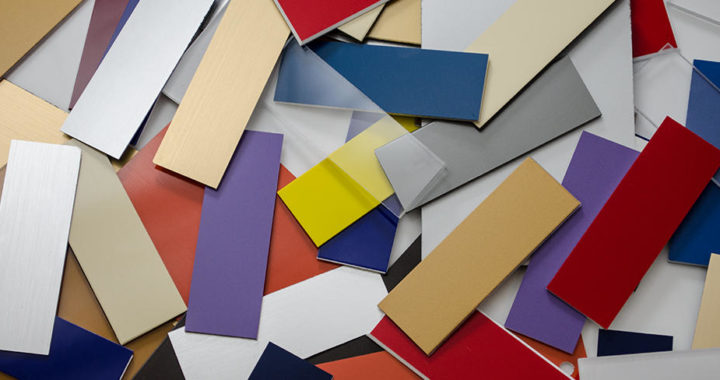
Laser safe and non-laser safe materials.
There are a wide range of materials that can be cut and engraved by a laser cutter. Examples of laser safe materials include acrylic, laser plywood, Medium-density fibreboard (MDF) and card stock.
The thickness of material a laser can cut depends on the power of the laser cutter and the density of the material. You will not be able to cut the same thickness of every material. For example, a laser cutter may be able to cut 5mm MDF but only 3mm plywood as plywood is denser than MDF.
There are also some materials that can damage the laser, melt, catch fire, and even release toxic fumes. A table of non-laser safe materials and the reasons why can be seen below.
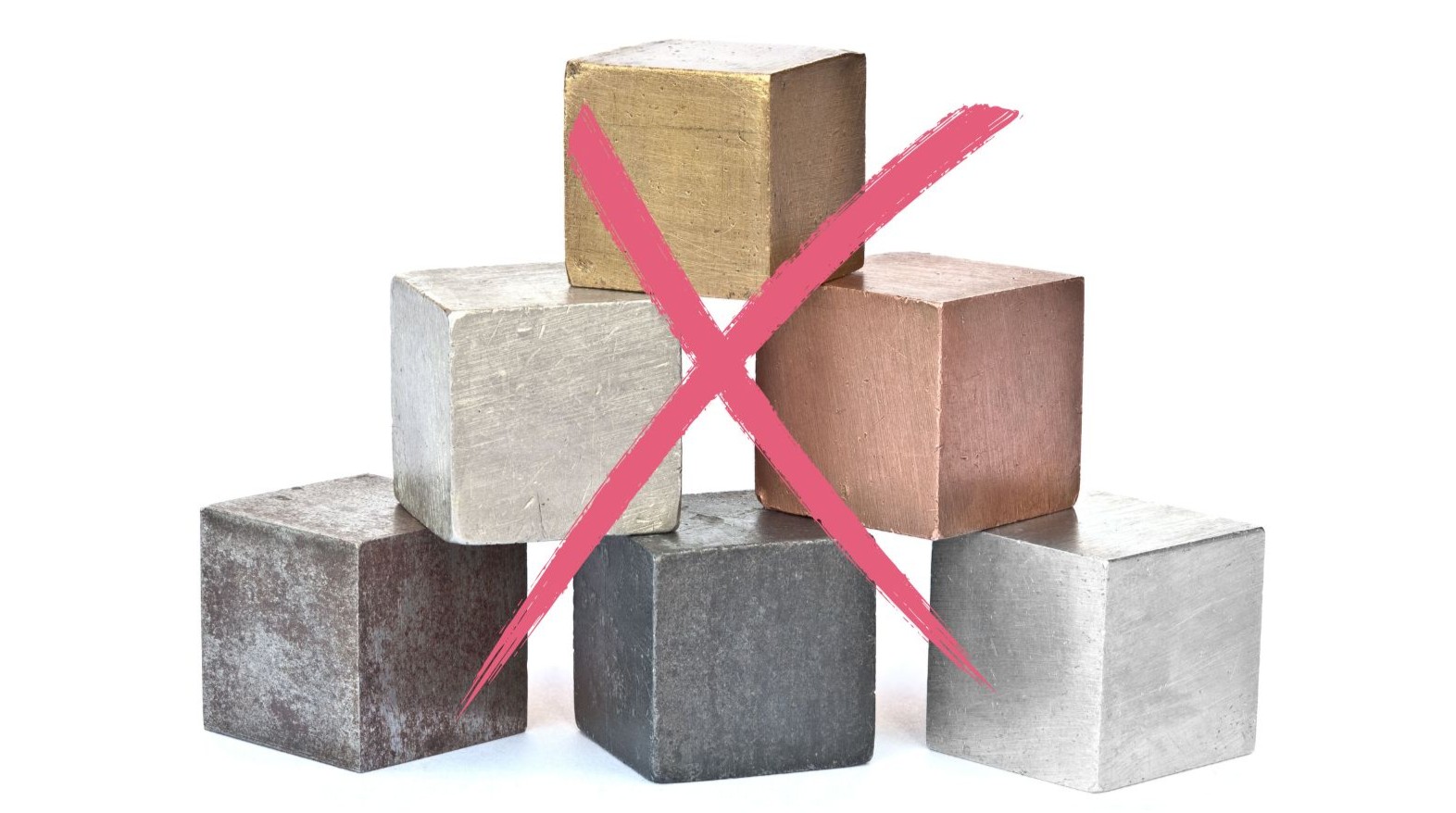
The uCreate laser cutter cannot process metal, more information available below.
It is extremely important that all materials are approved by a member of uCreate staff ahead of your laser booking.
NEVER work on a material of unknown properties!


Why can't the uCreate laser cut or engrave metal?
The uCreate laser is not able to cut or engrave metal.
The uCreate laser is a CO2 laser and its wavelength (≈10.6 µm) is not absorbed efficiently by metal surfaces. Only a low percentage of the laser’s energy is absorbed, making cutting or engraving on metal surfaces impossible.
A fiber laser is needed to cut or engrave metal.
Using metals also poses the risk of reflection of the laser beam back up into the lens, which could cause damage to the machine.
What materials are available at uCreate?
uCreate has a store of stock materials that are free of charge for users to use while laser cutting.
These are:
3mm Laser-grade MDF - sanded (400 x 300 mm - approximately A3)
0.8mm Birch LaserPlyPremier (400 x 300 mm - approximately A3)
3mm Clear Cast 100% Recycled Greencast Acrylic (400 x 300 mm - approximately A3)
1.3mm Mountboard (420 x 297 mm - A3)

What settings should I use for each material?
Settings for all of uCreate's standard materials are stored on the materials database on the Epilog Dashboard to be selecting during your laser cutter booking.
Settings:
3mm Acrylic.
Cutting: 20% speed, 100% power, 100 frequency
Engraving: 100% speed, 15% power, 100 frequency
Rastering: 100% speed, 50% power
3mm MDF:
Cutting: 32% speed, 100% power, 10 frequency
Engraving: 100% speed, 35% power, 10 frequency
Rastering: 70% speed, 100% power
0.8mm Plywood:
Cutting: 65% speed, 75% power, 10 frequency
Engraving: 100% speed, 15% power, 10 frequency
Rastering: 70% speed, 50% power
1.3mm Mountboard:
Cutting: 65% speed, 40% power, 50 frequency
Engraving: 100% speed, 8% power, 50 frequency
Rastering: 100% speed, 42% power
You should never change these or make up your own settings!

What if I don't want to use a stock material?
When booking the laser cutter, you will be asked to submit a laser request form. In this form, you will have to specify which material you would like to use.
If you would like to use a custom material, you must provide the material name and laser safety sheet. It must then be approved by staff. Please note that this could take up to 3 weeks!
uCreate purchases its materials from Hobarts, this is a great place to look if you would like to use custom materials!
Underneath the laser cutter we have scrap pieces of previously approved custom laser materials. These materials are labelled and put in this space BY UCREATE STAFF. It may be worth checking in this area before purchasing material. Any material found in this space that has not been labelled by staff, cannot be used.