
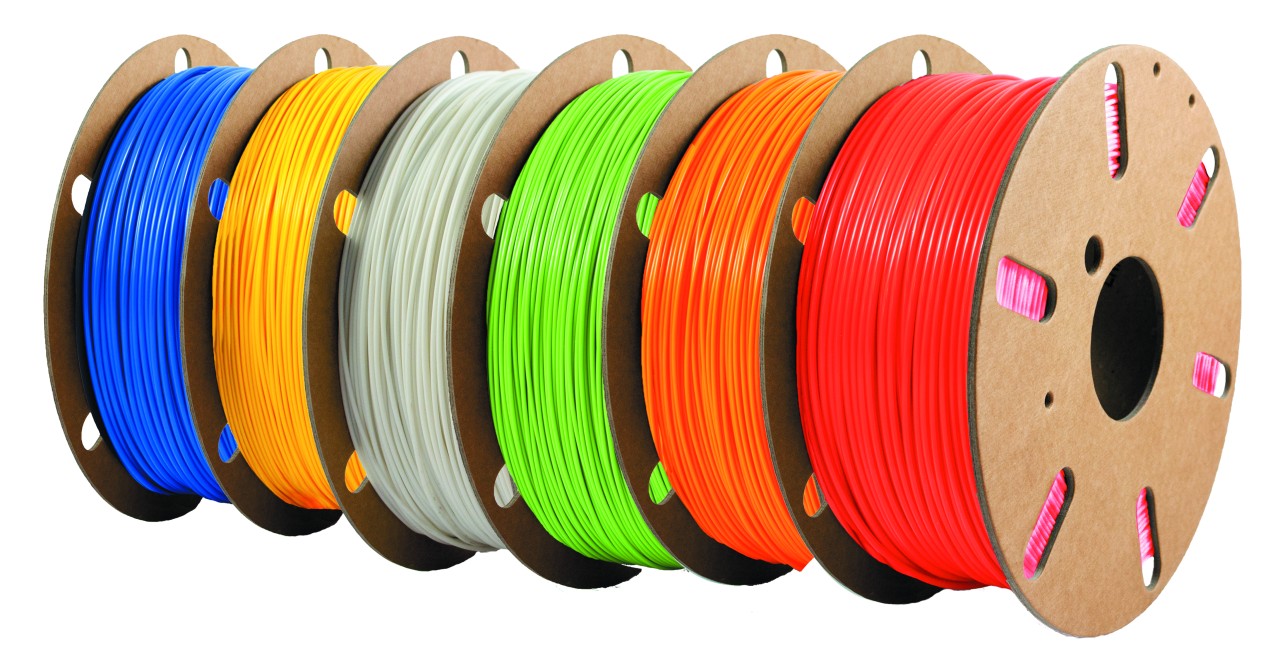
What type of material is used for FDM printing?
Fused Deposition Modelling (FDM) uses thermoplastic materials that are melted through an extruder to form an object, layer by layer. A thermoplastic is a material that become softer when heated and harder when cooled.
Depending on the needs and requirements of your project, the material you want to use will vary. Temperature, visual quality, health and safety, mechanical characteristics and ease of printing are some of the factors that need to be taken into consideration.
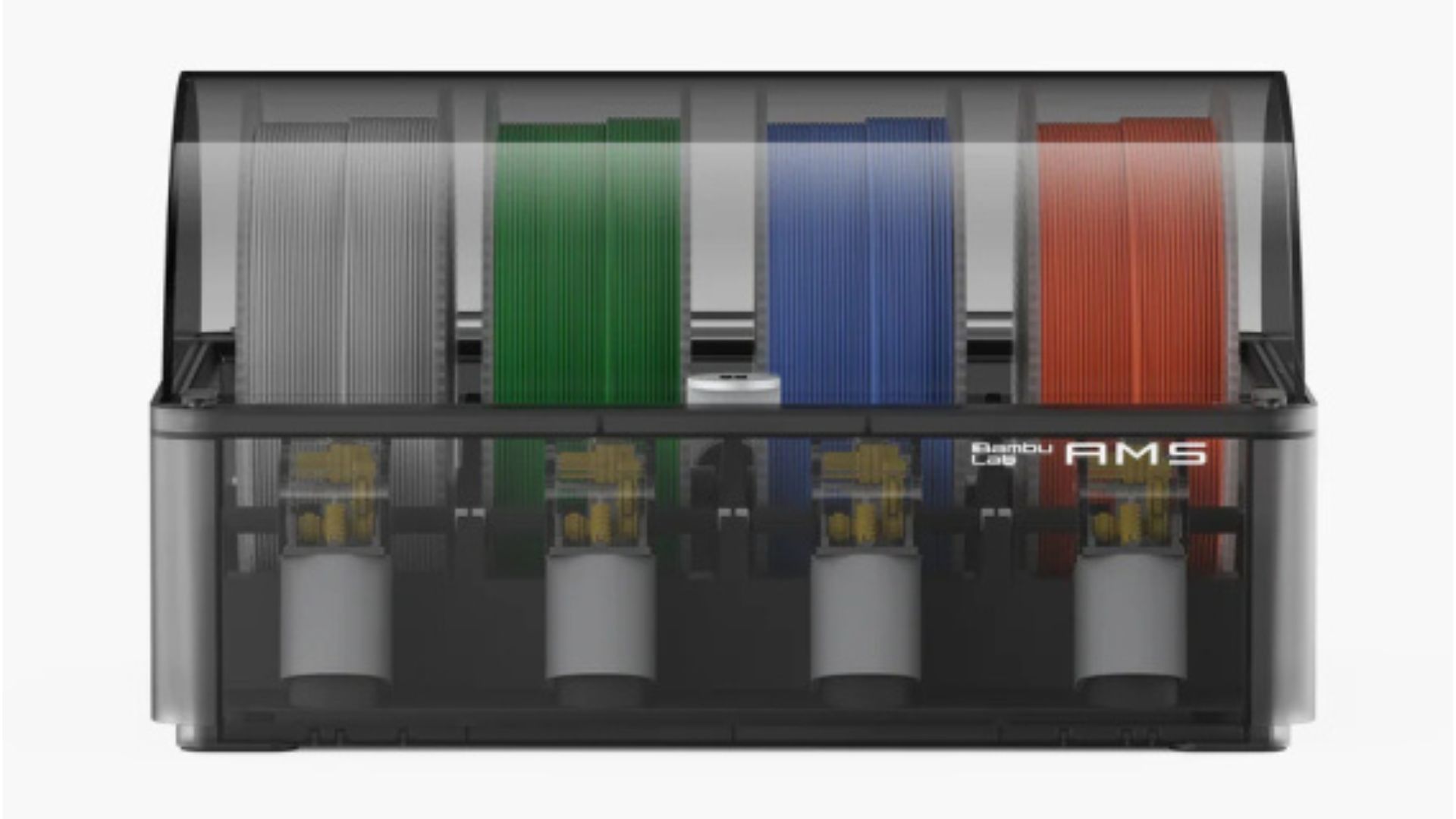
Materials for FDM print come as spools of filament. Filament spools usually come in 750g or 1kg spools. Spools can be different widths and not all spools fit into every printer. All uCreate self-service 3D printers use a materials station. The compartments in the materials station will determine which spools can be inserted.
Different 3D printers use different diameters of filament. Ultimaker 3D printers use 2.85mm filament, whereas Bambu Lab 3D printers use 1.75mm filament.
All FDM 3D printing material (although PVA and nylon in particular) absorb moisture from the air which can degrade it over time. This can by reversed by dehydration, but generally 3D printing material should be stored in a dry container.
Where can I get filament for 3D printing?
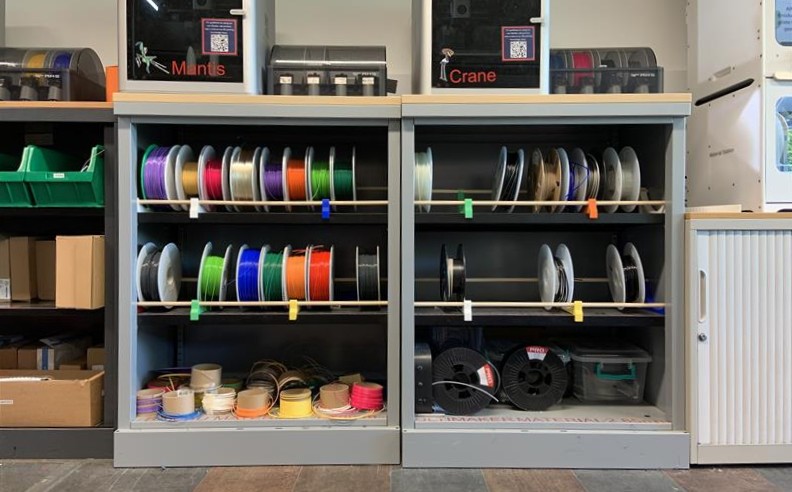
uCreate has a variety of filaments, free of charge. It is stored on shelves underneath the 3D printers in the makerspace. Please ask a member of staff for filament if the filament you require is not available on the makerspace shelves (we have more stashed away in our storage cupboard).
The shelves are organised by filament diameter. Different 3D printers use different diameters of filament. Ultimaker 3D printers use 2.85mm filament, whereas Bambu Lab 3D printers use 1.75mm filament.
If you cannot find the filament you want on these shelves, speak to a member of uCreate staff.
Free material types available at uCreate.

PLA
Polylactic acid or polylactide (PLA) is an environmentally friendly and biodegradable polymer made from corn starch or sugar cane. It is the easiest material to work with and the most commonly used filament.
Print temperature: 195 - 215ºC
Compatible printers: Bambu Lab, Ultimaker
Pros:
- Easy to print
- Biodegradable (though very slowly)
- Easy to post-process
- Available in variety of colours
Cons:
- Lower mechanical strength
Tough PLA
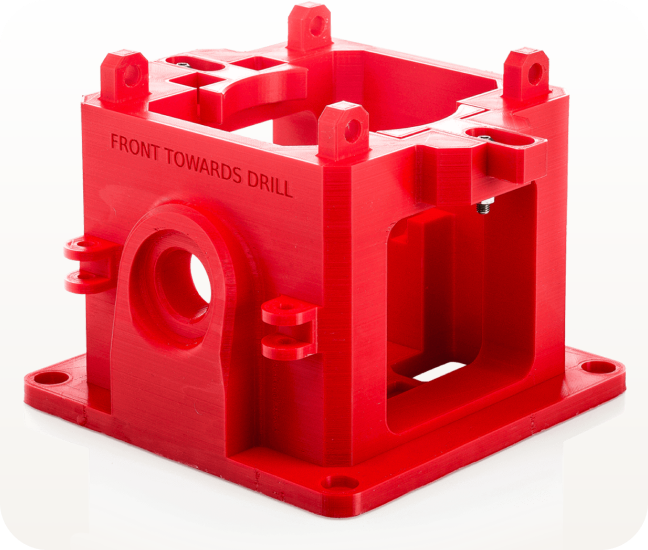
Tough PLA is a technical PLA (polylactic acid) material with a toughness similar to ABS. It is ideal for printing functional prototypes and tooling at larger sizes – without fear of delamination or warping.
Print temperature: 210 - 230ºC
Compatible printers: Ultimaker
Pros:
- Easy to print
- Biodegradable (though very slowly)
- Easy to post-process
- Strong mechanical strength (80 shore D, 9 kJ/m² impact strength, 58 °C thermal resistance)
Cons:
- Slow print speed
ASA
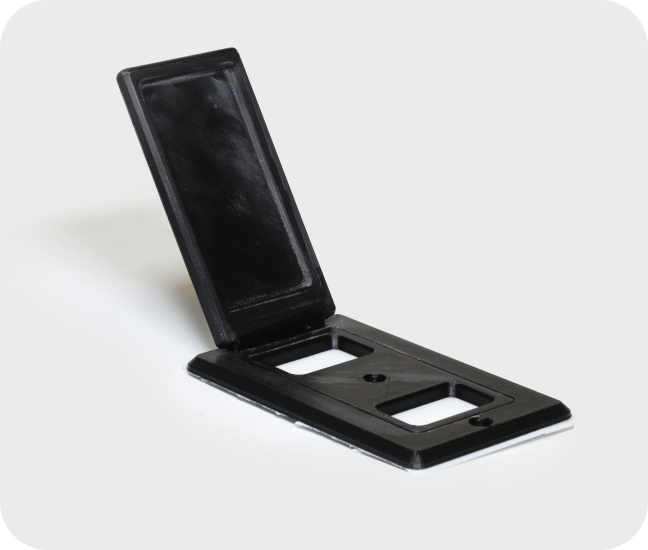
ASA, also known as Acrylic Styrene Acrylonitrile, is a 3D printable plastic with properties similar to ABS. It is great for outdoor applications due to its high UV, temperature, and impact resistance.
The ASA material profile is under select other materials > uCreate ASA > ABS > Generic on the Ultimaker printers. See the Ultimaker workflow for more information.
Print temperature: 250ºC
Compatible printers: Ultimaker
Pros:
- High UV resistance
- Strong mechanical strength (2,300 MPa tensile modulus, 49 MPa tensile strength, 96°C thermal resistance)
Cons:
- Difficult to print with
- Prone to warping
TPU
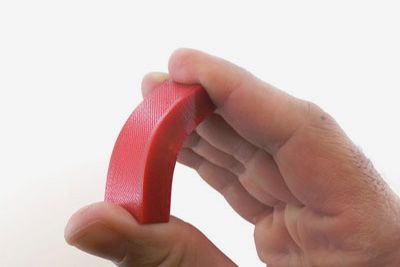
Thermoplastic Polyurethane (TPU) filament is a flexible, rubber-like filament, offering a blend of hard plastic and rubber properties.
Print temperature: 220-250ºC
Compatible printers: Ultimaker
Pros:
- Flexible
- Tough
- Chemical and abrasion resistant
Cons:
- Difficult to print with
Support materials.
Depending on which main filament that you are printing with, will change the support material. For more information on supports, see the Key Concepts for Slicing 3D Prints knowledge base page.
Most filaments can be printed with PLA support material.
uCreate also provides Breakaway support material for our Ultimaker printers.
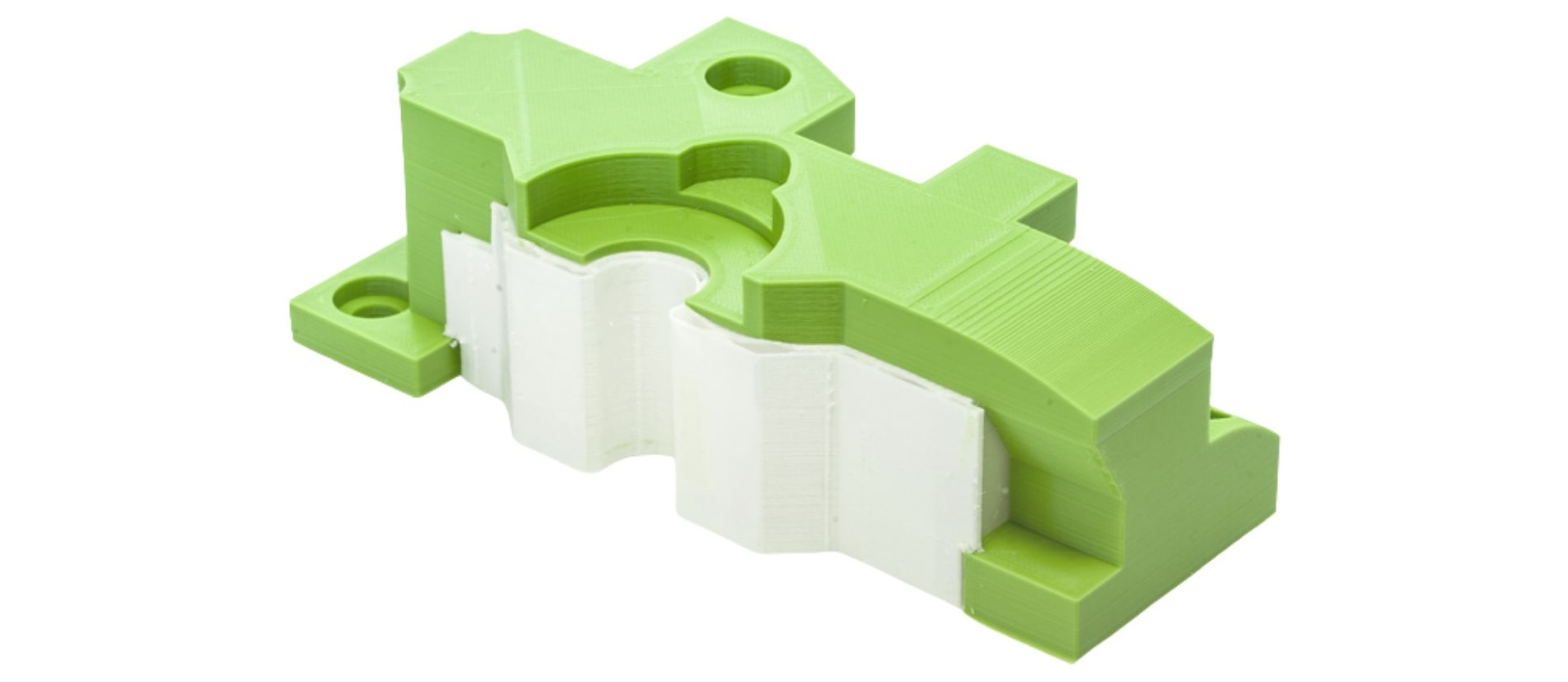
Breakaway is easy to remove and leaves a good surface finish after the removal of the supports on the faces of the object contacting the supports, compared to PLA.
What if I don't want to use uCreate provided materials?
Custom materials are not allowed in uCreate without explicit permission.
If you would like to use a custom material, please email ucreate.makerspace@ed.ac.uk with a link to the material you would like to use. Always ask for permission before purchasing a custom filament, to ensure it is compatible with our machines.
Custom materials that are compatible with our Ultimaker printers are 2.85mm ABS, Nylon, PETG and PVA support material.
1.75mm PETG is compatible with our Bambu Lab printers.

ABS
Acrylonitrile Butadiene Styrene (ABS) is a low-cost material, great for printing tough and durable parts that can withstand high temperatures.
Print temperature: 220-250ºC
Compatible printers: Ultimaker
Pros:
- Good impact and wear resistance
- Less oozing and stringing gives models smoother finish
- Good heat resistance
Cons:
- Heavy warping
- Needs heated bed or heated chamber
- Parts tend to shrink leading to dimensional inaccuracy
Nylon
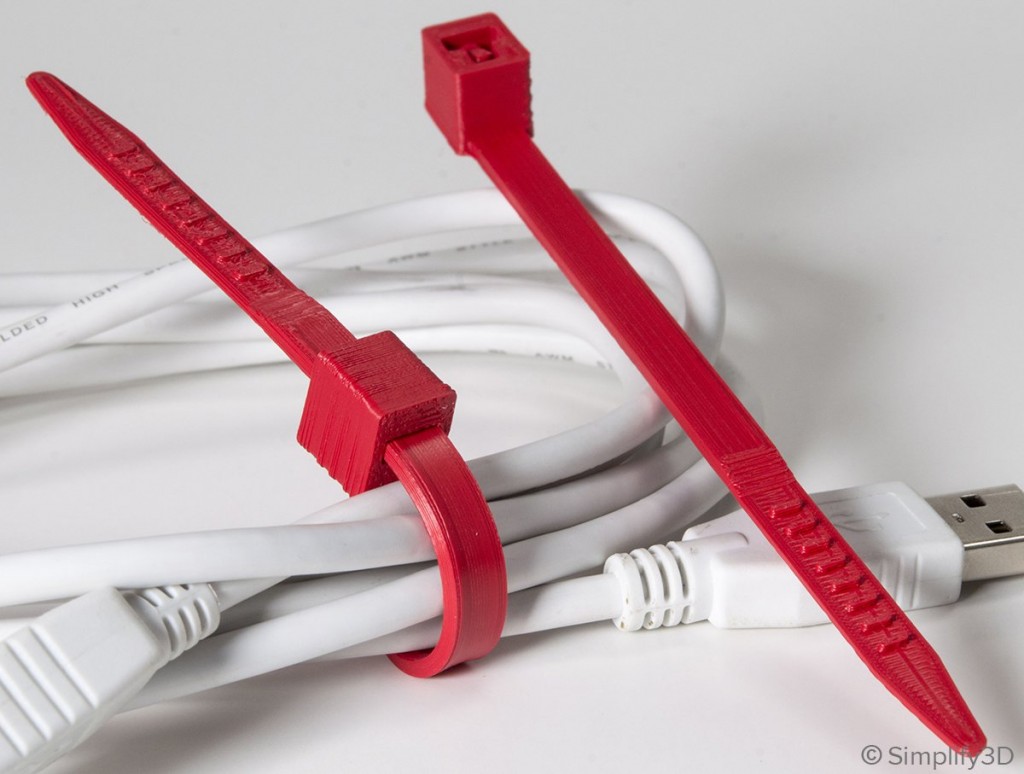
Nylon is a tough and semi-flexible material that offers high impact and abrasion resistance. It is an ideal choice for printing durable parts.
Print temperature: 225-265ºC
Compatible printers: Ultimaker
Pros:
- Tough and partially flexible
- High impact resistance
- Good abrasion resistance
Cons:
- Prone to Warping
- Air-tight storage required to prevent water absorption
- Improperly dried filaments can cause printing defects
- Not suitable for moist and humid environments
PETG
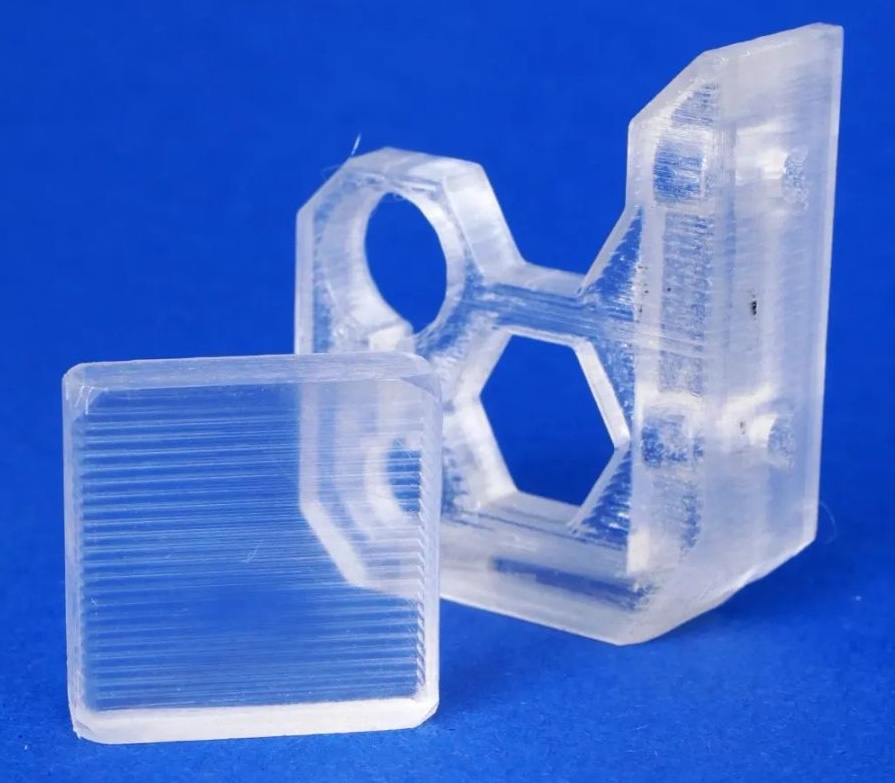
PETG is a Glycol Modified version of Polyethylene Terephthalate (PET). It is a semi-rigid material with good impact resistance, but it has a slightly softer surface which makes it prone to wear.
Print temperature: 230-250ºC
Compatible printers: Ultimaker, Bambu Lab
Pros:
- Glossy and smooth surface finish
- Adheres well to the bed with negligible warping
- Produces good quality transparent prints
- Temperature resistance up to 76 °C
Cons:
- Can produce thin hairs on the surface from stringing
PVA
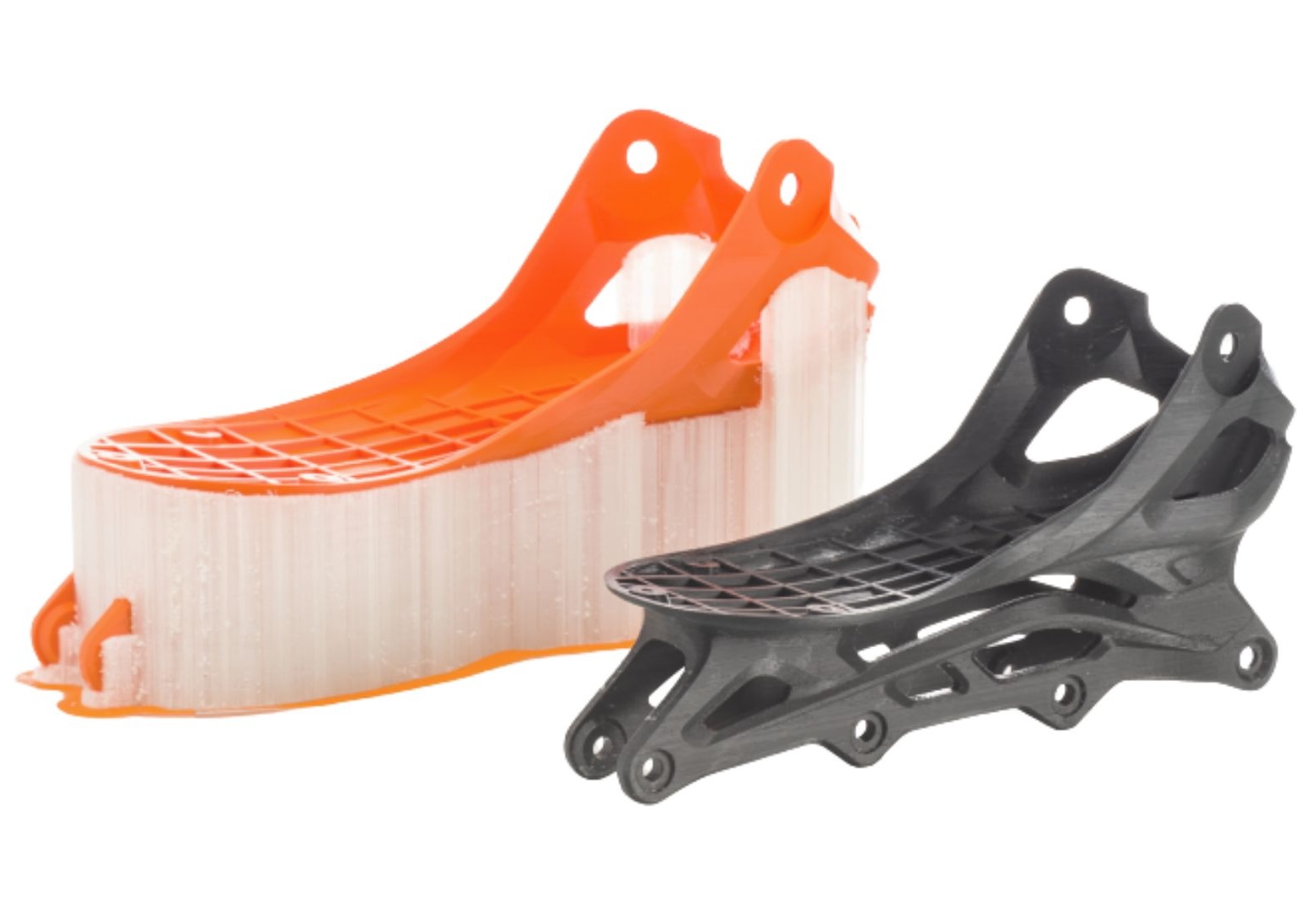
PVA (polyvinyl alcohol) is a water-soluble support material for multi-extrusion 3D printing. The PVA supports can be dissolved in water and is therefore used for complex prints.
Print temperature: 215-225ºC
Compatible printers: Ultimaker
Pros:
- Good for complex prints
Cons:
- Difficult to print with