Can I make a 3D model using laser cutting?
Unlike a 3D printer, a laser cutter cannot by itself make a 3D model, as it can only cut out flat sheets of material. However, these flat pieces can be pieced together to make 3D objects. The simplest example of this is a slot together box, however you can also build complicated constructions using this method.
You are also able to cut multiple flat sheets and then stick them together, on top of one another, to create 3D forms. This method is common for topological models.
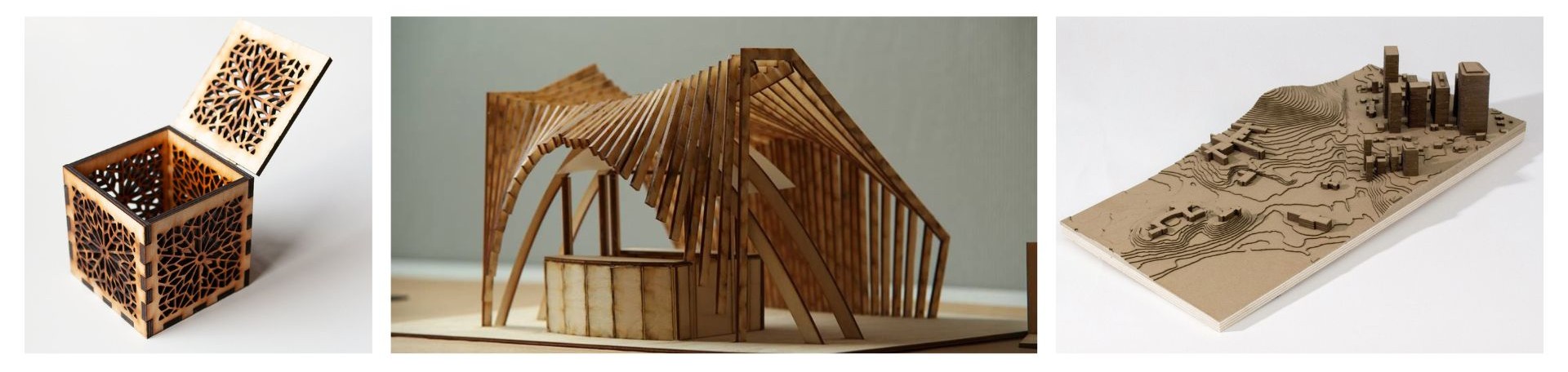
Slot together models.
A slot together box is a great first laser cutter project to learn about constructing 3D objects from 2D pieces!
Take a look at this website for auto generating slot together boxes!

A slot together box is the basic slot together form. Once you have created one and understand tolerances, you can make a variety of different shapes.
The tolerance you will need for your joints to work will depend on the type and thickness of the material you are using.
Layer by layer models.
Another way to make a 3D model using a laser cutter is to cut multiple flat sheets and then stick them together, on top of one another.
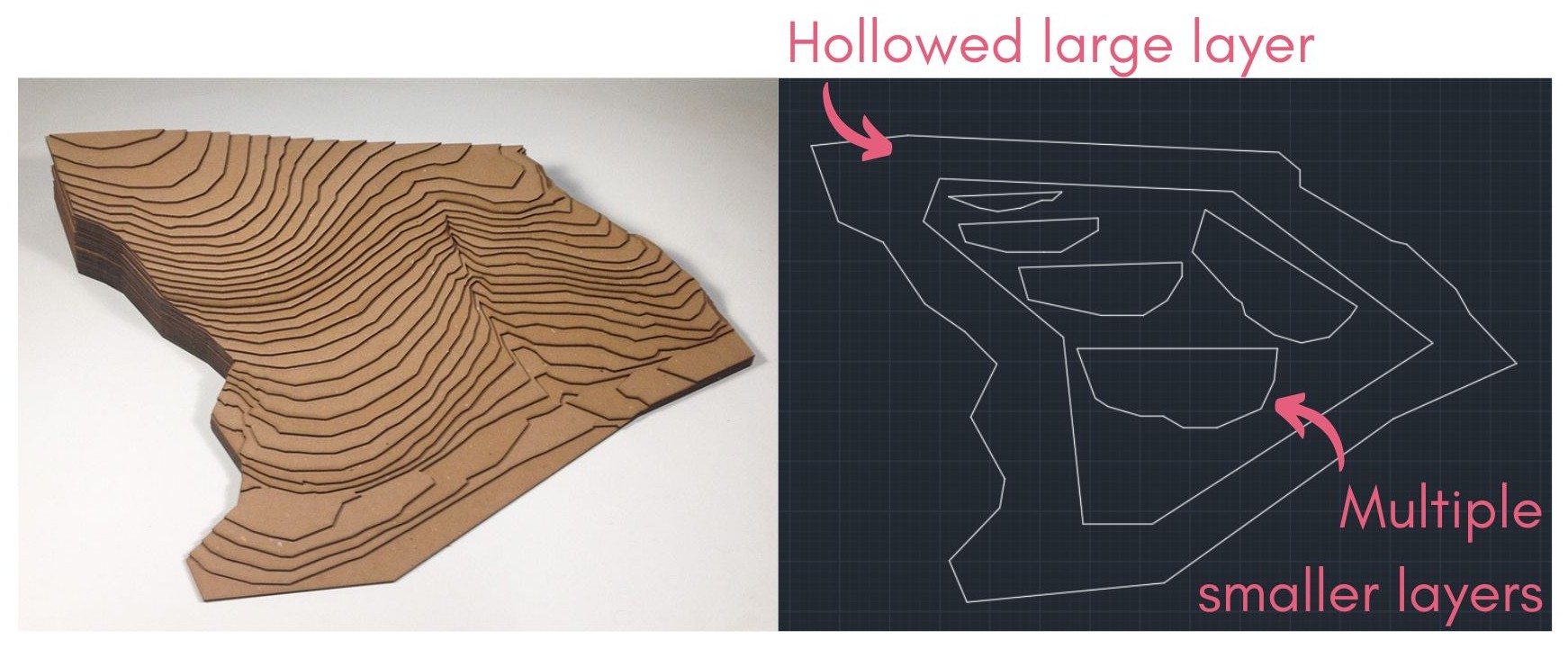
This method usually uses a lot of material. To avoid this, you can hollow out the centre of your sheets, where they are not going to be visible in the final model.
For example, if you were making the model below, each of the larger base layers would be hollow. This way, you are able to cut multiple of the top smaller layer from the same piece of material by nesting them inside each other. This will also make your final model lighter.